Review and approve posts in Claude and ChatGPT
Claude and ChatGPT now show a Mark post the way its review page does, with Approve, Request changes, and Reject buttons.
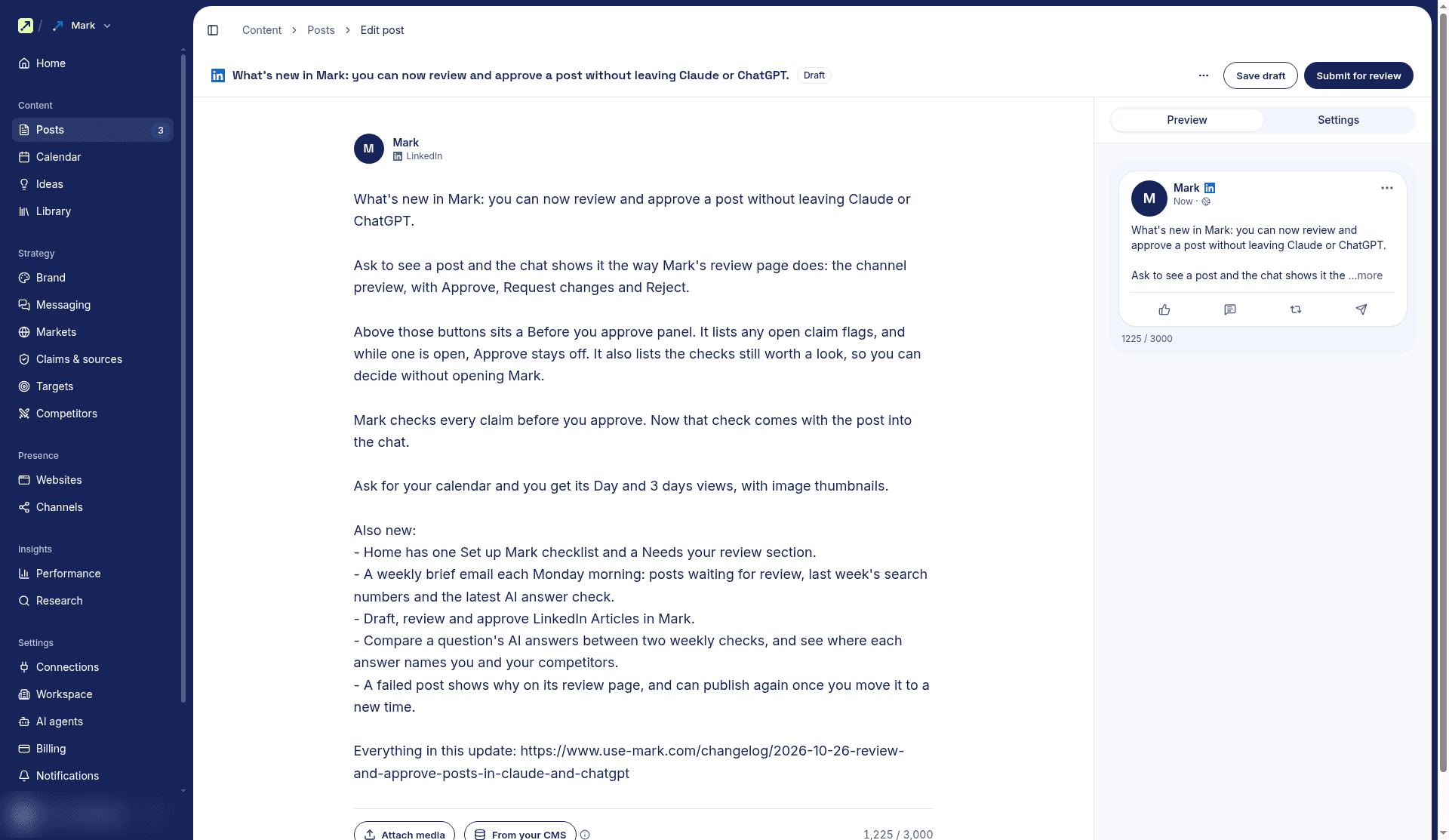
Claude and ChatGPT now show a Mark post the way its review page does, with the channel preview and Approve, Request changes, and Reject buttons. A Before you approve panel lists any open claim flags, which keep Approve turned off, and the checks still worth a look, so you can decide without opening Mark. Ask for your calendar and the chat shows its Day and 3 days views, with image thumbnails.
Improvements
- Home: One Set up Mark checklist with a first step and a Skip on every row, and a Needs your review section that counts posts waiting for approval and open wrong AI answers.
- Weekly brief: Each Monday morning, workspace members get an email with posts waiting for review, last week's search numbers, the latest AI answer check, and up to three next steps. Turn it off under Settings > Notifications.
- Calendar: Select a gap or open slot to fill it with a draft or a post in review. Posts that need approval show a hand icon, and one chip shows only those.
- Posting times: Add a slot to several days at once. Each channel has its own page for its slots and rules.
- LinkedIn Articles: Draft, review, and approve LinkedIn Articles in Mark. When the scheduled time comes, Mark emails a reminder to post it in LinkedIn, and you mark it Published with its live link.
- Social results: A published post's review page shows its metrics over time, and Performance > Social counts what posts gained in the dates you pick.
- AI answers: Compare a question's answers between two weekly checks, and see where each answer names you and your competitors. Cited pages show their titles, and Run now starts this week's check before it begins on its own.
- Performance: Tracked keywords moved into Performance > Search, below Top queries. The AI assistants tab shows which countries AI referrals come from.
- Site audit: A new Agentic readiness section checks how well AI agents can use your homepage and key pages. The audit also flags pages AI assistants send people to that return 404 and suggests a redirect.
- Competitor pages: Mark drafts a vs page and a pricing page for each tracked competitor. The vs page also answers "alternative" searches.
Fixes
- Failed posts: The review page shows why a social post failed to publish, and a failed post you move to a new time can publish again.
- Settings: Dropdowns and checkboxes keep your choice after Save.